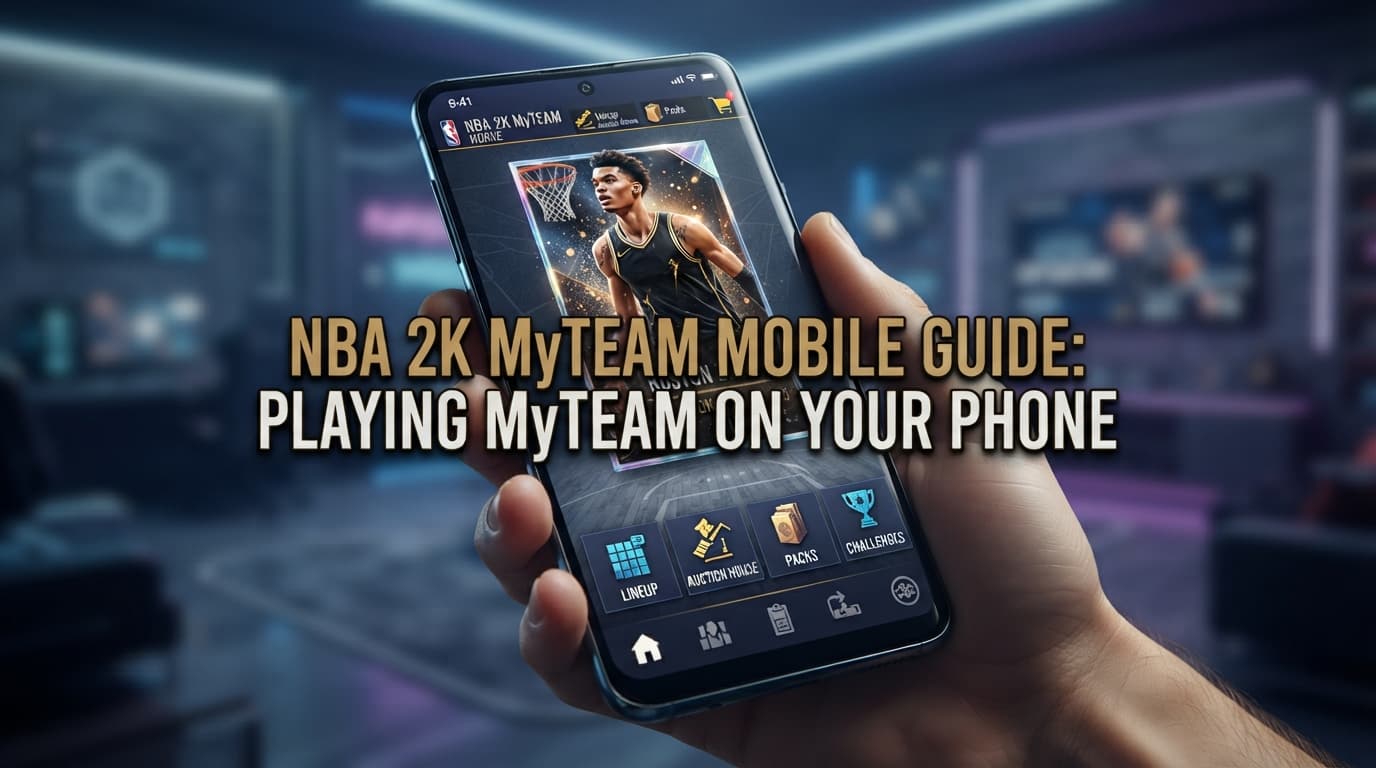

NBA 2K MyTeam Mobile guide: linking accounts to sync progress with console, device requirements, controller support, and tips for earning daily rewards.
A must-read for MyTEAM fans who want to play anywhere! Nba 2k myteam mobile is the MyTEAM app for phones, letting you manage your team, collect cards, and play games during the day while syncing progress with the console version. This guide covers what the app is, account linking, device requirements, controller support, tips for maximizing rewards, and what to know about the NBA 2K27 version.
Key Takeaways
- Nba 2k myteam mobile syncs progress with your PlayStation or Xbox account
- The app is free to play with in-app purchases
- Bluetooth controllers are supported for more precise control
- New app versions tend to arrive months after the console game
What Is NBA 2K MyTeam Mobile?
The app is not the full NBA 2K game on your phone; it is a MyTEAM experience for building, strategizing, and managing a roster of NBA and WNBA players anywhere, with single-player and multiplayer modes. The NBA 2K26 MyTEAM version arrived on iOS and Android on November 28, 2025, and at launch it gave a Pink Diamond Jalen Brunson card to players who downloaded it and played a game.
Getting Started With NBA 2K MyTeam Mobile
- 1. Download the app from the App Store or Google Play and make sure it is the official 2K app
- 2. Link it to your PlayStation or Xbox account to sync progress with console
- 3. Set up controls, pairing a Bluetooth controller if you have one
- 4. Complete the intro missions to earn cards and learn the systems
Device Requirements
According to its App Store listing, the app requires a constant internet connection and an iPhone 8 or newer with at least 4GB of RAM. On Android, a device with similar memory is recommended for smooth play. Older phones or those with little memory may stutter, so close background apps before a match.
Tips for Getting the Most Out of the App
- Use the app for daily rewards and missions during the day, then play fully on console
- Manage rotations and test lineups in the app to save time on the TV
- Redeem nba 2k myteam locker codes in the app the moment you see them, since codes expire fast
- Use a Bluetooth controller for serious matches on mobile
Which Modes in NBA 2K MyTeam Mobile Should You Play?
The app offers single-player and multiplayer modes. Start with single-player to build your collection and get used to touch controls, then move to competitive modes once your team is stronger. Short modes suit commutes, while longer ones are best saved for times when you have a stable connection. Matching modes to your available time keeps nba 2k myteam mobile fun rather than a chore.
Watch Out for In-App Purchases
The app includes in-app purchases, including random items. Set a budget first and use your phone's settings to restrict purchases, especially if children share the device. Cards from missions, daily rewards, and free codes can build a strong team without spending much.
Fixing Common Problems
If progress does not sync, check that you linked the same account you use on console. If the app stutters, close background apps and check your connection. If your controller does not respond, re-pair it over Bluetooth. Handling these basics keeps nba 2k myteam mobile running smoothly.
Balancing Mobile and Console Play
Many players find the sweet spot is using mobile for quick management and rewards while saving competitive matches for console, where controls and connections are more reliable. Treat the app as a helpful extension of your MyTEAM rather than a replacement, and your progress will stay steady without eating into your day.
What About NBA 2K27?
NBA 2K27 launched on consoles and PC on September 4, 2026. For a mobile MyTEAM app tied to the new edition, the previous pattern saw the app arrive about three months after the console game, so wait for an official announcement. Meanwhile, the NBA 2K HQ companion app offers daily login rewards that carry back to your console game. Follow official 2K channels for nba 2k myteam mobile news.
Keeping Your Account Secure
Because the app links to your PlayStation or Xbox account, turn on two-factor authentication, never share your password, and beware of fake sites or apps promising free cards or VC. Download nba 2k myteam mobile only from official stores and always confirm the developer is 2K.
Following Season Updates in the App
The app usually receives new content alongside the main game's seasons; during NBA 2K26, for example, college basketball-themed cards arrived in one season. Turning on app notifications helps you catch limited-time events and rewards before they end.
Checking in for just a few minutes each day adds up quickly over a season, turning short breaks into steady progress for your MyTEAM squad.
Is It Worth Downloading?
If you already play MyTEAM on console, the app is an easy yes, since it is free and extends your progress into spare moments. If you have never played MyTEAM, it is also a low-risk way to try the mode before committing to the full game, giving you a feel for card collecting and lineup building on your phone first. Many players end up enjoying both versions, using each for what it does best.
Whether you are a veteran or a newcomer, the app is a convenient companion that keeps your squad moving forward between console sessions.
Enjoy building your squad wherever the day takes you, and keep an eye out for fresh codes and events that can give your lineup an unexpected boost when you need it most this season, wherever you happen to be playing today.
In short, nba 2k myteam mobile lets MyTEAM fans keep playing anywhere. Link your account to sync progress, check device requirements, use a Bluetooth controller for precision, and use the app to collect daily rewards and redeem codes on time. For the NBA 2K27 version, watch for official announcements. For a broader look at nba 2k myteam, see our other guides. So when during your day do you play MyTEAM on mobile most?